IMEI Check Service
At imei.best, you can easily check your IMEI and get all the info about your device—quick, simple, and hassle-free!
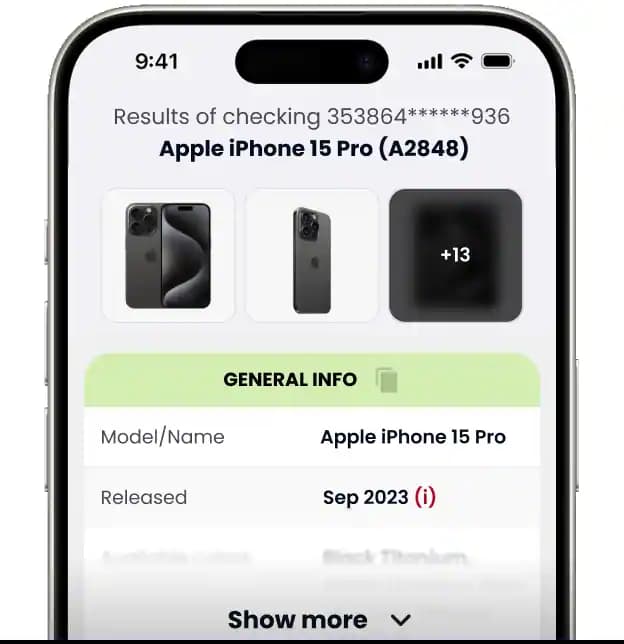
Note: This service is not affiliated with manufacturers; results depend on available data sources.
How it works
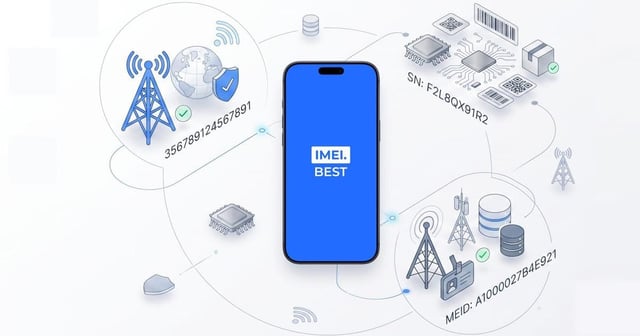
Find the IMEI or serial number on the device, box, or in system settings, then enter it into the search field.
We support:
- smartphones
- tablets
- smartwatches
- Other consumer electronics (depending on brand)
- Tip: IMEI usually consists of 15 digits.
Example
After submission, our system requests data from trusted external sources.
What happens at this step:
- Your input is processed automatically
- No personal data is collected
- The check is performed in real time
Example
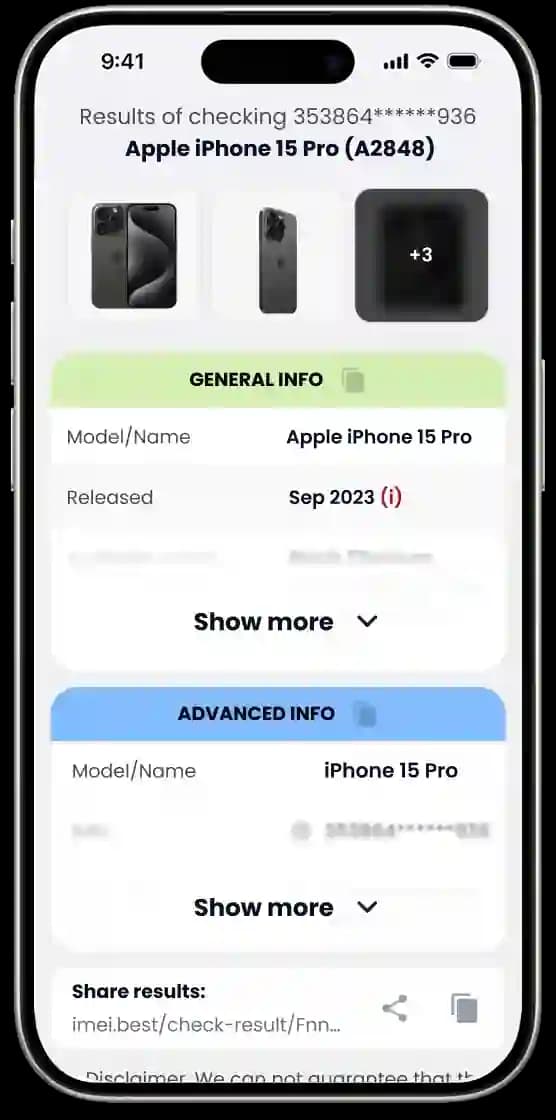
Once data collection is complete, the system displays the information retrieved from available sources.
What you may see on this screen:
- Device model and category
- Brand and series information
- Technical or identification details (depending on the device)
The results are shown in a clear, structured format for easy review.
All information is provided for reference purposes and reflects the data available at the time of the check.
Results are based on data provided by external sources and may vary by device, region, or availability at the time of the check.
Example
Check device details by IMEI or SN
Find out everything about your device quickly and easily. Compatible with all models and brands - everything you need is already here!

Instant Results
All checks are performed instantly - Results are usually available shortly after the check
Safe & read-only
We don’t access your device, accounts, or make any changes. Input is used only to generate the report
Check Any Device
Supports popular brands and device models worldwide.
Available data depends on the device.
What you’ll learn from a basic IMEI / Serial Number check
This check helps you understand the basic identity and characteristics of a device based on available IMEI or serial number data.
Some fields may be unavailable depending on the device and data sources
Model & configuration
Shows the detected device model and variant when available.
Confirms the device matches the IMEI/SN
How to interpret model fieldsKey identifiers
Displays the IMEI or serial number format and basic identifier details
Useful for spotting formatting issues or mismatches in listings
IMEI vs Serial NumberAdditional device details
Provides extra device-related fields when available
May vary by model, region, or data source
How to Interpret Additional Device DetailsNetwork & region info
Provides region information when supported by the device or source
Helps understand regional compatibility
How to read network/region fieldsWarranty / service info
Shows warranty or service-related fields where available
May help understand general support or service availability for the device
Warranty fields explainedMissing data explained
Explains why certain fields in your report may be empty or unknown
Missing data does not mean something is wrong with the device
Why Some Data Might Be Missing from Your ReportNote: This check is for informational purposes only. No changes are made to the device or manufacturer databases.
Sample report
See a real example of how the report looks and what each field means. The sample uses anonymized data and shows typical sections you’ll get after a check - device model and configuration, key identifiers, and additional device-related fields - so you can understand the result before you enter your own IMEI or serial number.
Open full sampleTransparency
Data sources (overview)
We aggregate device-related information from publicly available and partner-provided data sources.
Data availability may vary depending on the device brand, model, region, and data coverage at the time of the check.
Why some fields Unknown
Some data fields may be unavailable due to limited manufacturer records, regional restrictions, or older device models.
An “Unknown” value does not indicate a problem - it simply means the information was not available from the sources used for this check.
What we don't do
This service provides informational device data only.
We do not unlock devices, track phones, access Apple ID or Google accounts, remove blacklist status, change IMEI numbers, or modify manufacturer/carrier records.
Use this option to let us know if displayed device data appears incomplete or inaccurate
Note: Information only. No device unlocking, tracking, or account access is provided
Privacy & Cookies
Cookies
Essential cookies for site functionality. Optional preferences available.
FAQ
Blog
How can we help
Need help, have questions or want to suggest a feature?