How to Check Your iPhone Activation Date And Why the Purchase Date Doesn't Matter
The activation date is the exact moment an iPhone first connects to Apple's servers. The purchase date is just the day you handed over your money.
Here’s the catch: Apple bases your warranty strictly on the server-side activation log. They rarely care about the date printed on your receipt. People often mix this up when buying used phones. Receipts are easy to fake, reprint, or alter. Apple's server logs, however, can't be touched.
When a brand-new iPhone connects to Wi-Fi or a cellular network for the first time, it silently pings Apple with its unique hardware ID. That exact second is when your warranty countdown starts. If you only trust a paper receipt, you risk buying a used phone that was resealed in a new box. Checking the actual activation date is the only way to know exactly what you're getting.
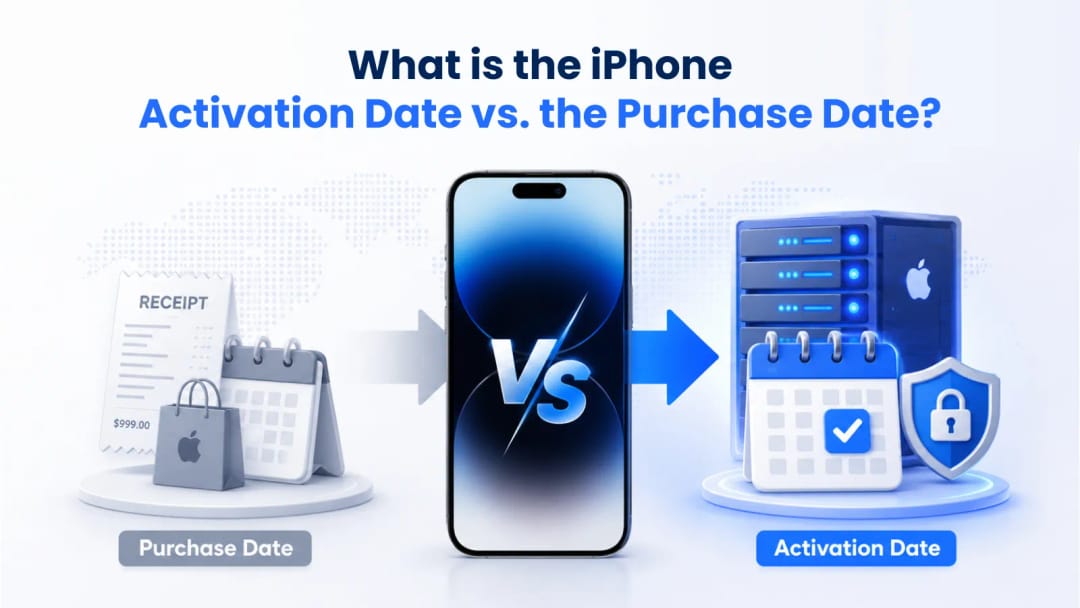
When Does Apple Warranty Start?
For retail purchases, the official Apple Limited Warranty legally begins on the Date of Purchase (the sale date), though system activation registers the device on Apple's servers to initialize coverage tracking.
A lot of people think the warranty clock starts only when they first turn on and activate the device. That's a myth. Let's say you buy an iPhone in November as a holiday gift. At the moment of sale, the purchase date is already fixed in the database as November. If the gift is opened in late December, the server will log the activation, but Apple will still rely on the November receipt date for any warranty claims.
Knowing this protects your wallet when buying from third parties. If a seller on a marketplace tells you a phone is "brand new in box," but a quick server check shows the phone was activated three months ago - walk away. That box was opened, and the phone was used.
IMEI.best Pro Tip: Never trust a printed receipt from a random reseller. It takes five minutes to print a fake receipt and shrink-wrap a used phone. Always check the Apple server log—it's the only source of truth.
.webp&w=1080&q=80)
Why You Should Care About the Activation Date Before Buying a Used iPhone
Checking the connection history is your best defense against buying a stolen, locked, or heavily used iPhone disguised as new.
A seller might hand you a flawless device with zero scratches. The screen looks perfect. But without checking the activation date, you have no idea what’s actually inside. The activation date tells you the phone's true age. A battery in a two-year-old phone will be degraded, no matter how clean the outside looks.
This check also helps spot unauthorized repairs. If the phone looks fresh out of the box but the server says it was activated three years ago, someone definitely swapped the housing. You can just drop the serial number or IMEI into the check form on our page to see the real history before you hand over any cash.
Purchase Date vs. Activation Date (Quick Comparison)
Feature Analyzed | Purchase Date | Activation Date |
Definition | The day you paid for the device at a store. | The moment the device first pinged Apple servers. |
Warranty Impact | Usually irrelevant, unless there's a rare server error. | Strictly dictates the start and end of your warranty. |
Fraud Risk | High. Receipts are easily faked. | Zero. Logs are locked on Apple's secure backend. |
Battery Health | Poor. A phone can sit in a warehouse for a year. | Excellent. Defines the exact timeline of actual daily use. |
How to Check When I Bought My Phone or Activated It
You can find your activation and coverage info right in the iOS settings, or by logging into Apple's official support portal. Both methods pull data directly from Apple's central database.
Go to the Settings app, tap General, and select About. Look for the Coverage section. It will tell you if your warranty is active or expired and give you a specific expiration date. Subtracting one year from the warranty expiration date will give you the approximate activation date, provided no coverage extensions (like AppleCare+) were added.
If the phone is wiped for a sale, you'll need the hardware ID instead. Grab the Serial Number or IMEI from that same "About" menu. You can plug those numbers into the verification form on this page to pull the server logs without needing the previous owner's iCloud account.
How Apple’s Warranty System Actually Works
Behind the scenes, Apple's warranty tracking runs on their Global Service Exchange (GSX) system, which relies on strict timestamping.
A quirky detail to keep in mind: Apple’s servers run on Pacific Standard Time (PST). So, if you activate a phone in Tokyo on Tuesday morning, the system might log it as Monday evening. Don't panic if your coverage is off by a single day.
Apple also splits this coverage into two separate timers starting from that initial ping: 90 days of free tech support and a full year of hardware coverage.
Official Apple Certified Refurbished devices are assigned a new serial number and come with a full one-year limited warranty that begins upon purchase and activation. Third-party refurbished phones don't get this reset, which is why checking the original start date is so important.
What Exactly Does Apple Cover?
Coverage Type | Duration | Key Limitations and Features |
Complimentary Tech Support | 90 Days | Covers basic setup, software bugs, and Apple ID recovery. |
Apple Limited Warranty | 1 Year (365 Days) | Covers hardware defects. Doesn't cover physical damage or liquid spills. |
AppleCare+ (Optional) | 2 Years or Monthly | Must be bought within 60 days of activation. Adds accidental damage protection. |
How to Check IMEI Activation Date on Any iPhone
Running the IMEI through a lookup tool lets you bypass the software and check the hardcoded record. The IMEI is baked into the modem, so it’s incredibly difficult to spoof.
Open the phone app and dial *#06# on the keypad. The 15-digit number will instantly pop up on your screen. You can also pop out the SIM tray—the IMEI is engraved on it in tiny print. Make sure the engraved number matches what’s on the screen to ensure the logic board wasn't swapped into a different frame.
Once you have the IMEI, enter it into the lookup tool available on this page to see the exact day the device hit the network.
IMEI.best Tip: Always run the IMEI check yourself on your own device. Scammers love to send screenshots of a "clean" warranty check, but screenshots are easily Photoshopped. Type the digits in yourself to pull the live data.
Is the Apple Warranty Status Lookup Reliable for Older Models?
Apple tracks the connection history of every iPhone ever made. However, you might not see the exact expiration date on their consumer-facing site if the phone is considered "vintage."
If you look up an iPhone 7 today, Apple's official checker will just say the warranty is expired. Because it’s over five years old, they drop the exact dates from the standard view. But specialized lookup tools querying the backend API can still pull that original activation timestamp. This is incredibly useful for vintage buyers or anyone who wants to know the true lifespan of a device's internal components to prep for a battery replacement.
How Do Carrier Policies Interact With Device Activation?
Telecom carriers have their own network locks that kick in during setup, and they operate completely separately from Apple's warranty. A phone can be fully active on Apple's end but still strictly locked to AT&T or T-Mobile.
When you buy a phone on a carrier payment plan, that first connection registers your Apple warranty and simultaneously downloads the carrier lock. The Apple warranty expires exactly one year later, whether you've paid off the phone or not.
Many people think paying off the phone automatically extends the warranty or unlocks the device. It does neither. You still have to actively request an unlock from your carrier. Running the IMEI on our tool will show you both the Apple warranty start date and the current carrier lock status, giving you the complete picture before you buy.
Suggestion for you
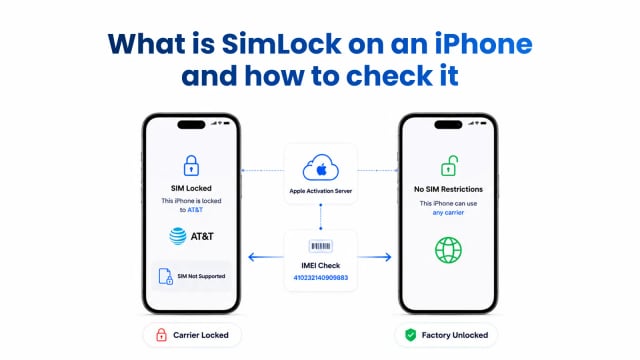
What Is SIM Lock on an iPhone and How Do You Check It?
Learn what SIM Lock means on an iPhone, how to check the Network Provider Lock in Settings, and how to verify the status before buying a used device.
Jul 30, 2026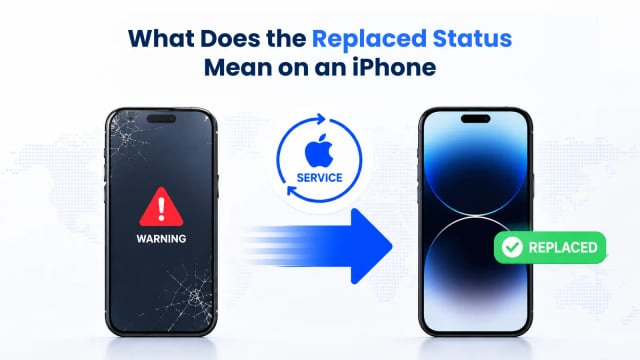
What Does the Replaced Status Mean on an iPhone
Don't buy a used iPhone before checking its replaced status. Find out what an Apple replacement unit is, verify original vs replaced IMEI, and avoid scams.
Jul 27, 2026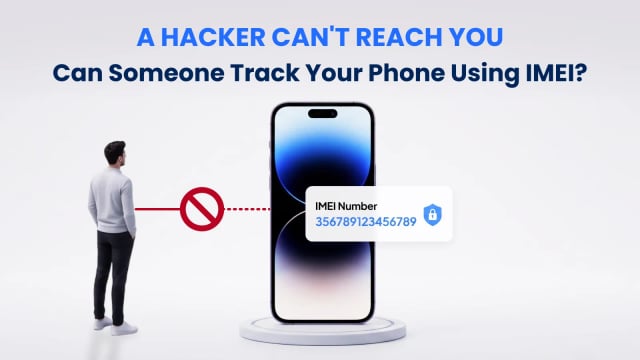
Can Someone Track or Hack Your Phone Using Only the IMEI Number?
Can someone track or hack your phone with your IMEI? Learn what an IMEI reveals, who can access network data, and why sharing it does not expose your phone or location.
Jul 23, 2026