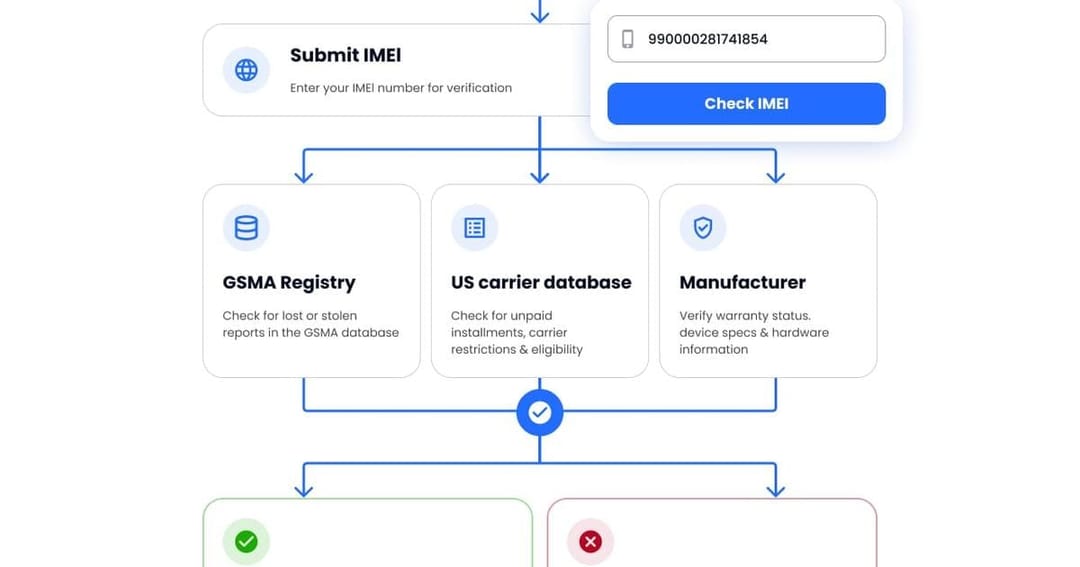
- An IMEI is a unique 15-digit identifier for a phone’s cellular hardware. It is not the phone number, SIM card number, or manufacturer serial number.
- You can find the IMEI by dialing
*#06#, checking Settings > General > About on an iPhone, or opening About phone on Android. - Dual-SIM and eSIM phones may have two identifiers: IMEI 1 and IMEI 2. They identify separate cellular connections on the same device.
- An IMEI check can reveal a phone’s model, carrier status, financial restrictions, and blacklist status, depending on the available database.
- Check the IMEI before buying a used phone. Compare the number shown by the device with the number on the SIM tray or original box.
What Is an IMEI Number and How Can You Find It
Key Takeaways
An IMEI number is a unique 15-digit identifier assigned to a mobile device that connects to a cellular network. IMEI stands for International Mobile Equipment Identity. It identifies the phone’s cellular hardware—not the owner, phone number, SIM card, or personal data.
You can find your IMEI by dialing *#06#, opening the device settings, checking the SIM tray, or looking at the original box. If your phone supports Dual SIM or eSIM, it may show two identifiers: IMEI 1 and IMEI 2. These numbers identify separate cellular connections on the same device.
An IMEI is not the same as a serial number. Carriers use the IMEI to manage network access, blacklist lost or stolen devices, and identify cellular hardware. Manufacturers use the serial number for warranty, repairs, and production records.
An IMEI check can show the device model, original specifications, carrier or SIM Lock status, financial restrictions, and blacklist status, depending on the available database. It cannot reveal your photos, messages, passwords, or real-time location.
Before buying a used phone, verify the IMEI shown by the device itself and compare it with the number on the SIM tray or original box. Then check the number through a reliable database to make sure the phone is genuine, not blacklisted, and suitable for use on your network.
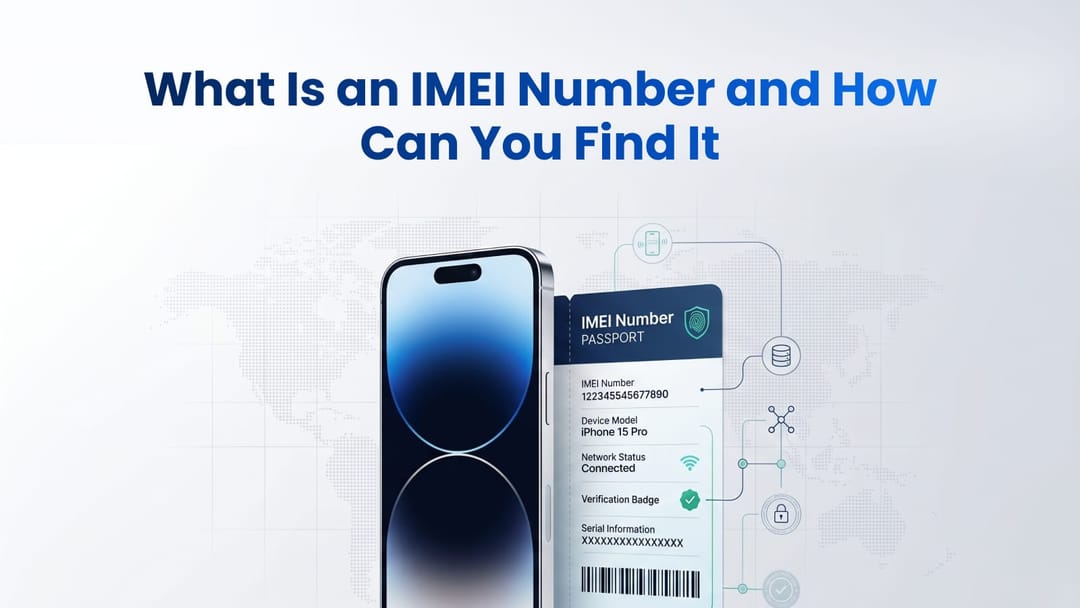
If your phone supports dual-SIM technology (a physical SIM and an eSIM), it will have two identifiers: IMEI1 and IMEI2. Both numbers point to the same physical device, but they represent different network connection pathways. Verifying both codes ensures that neither slot is blocked by carriers.
What Is an IMEI Number Used For?
An IMEI is used by carriers and manufacturers to identify the cellular hardware in a phone. It can help determine whether a device is reported lost or stolen, financed, carrier locked, or associated with the specifications claimed by the seller. Checking the IMEI before buying a used phone is crucial. It reveals if the device is reported stolen, blacklisted, or tied to an unpaid carrier account.
If someone stops paying their carrier installment plan, or if a phone is reported lost, the carrier places a network block on that specific IMEI. Sometimes, sellers try to offload these blocked phones on peer-to-peer marketplaces before the bans fully update across the network.
Expert Tip: Always match the IMEI displayed on the screen (by dialing *#06#) with the one printed on the physical box or SIM tray. This ensures the motherboard hasn't been swapped into a stolen housing.
Many comprehensive can also flag activation locks tied to cloud accounts (such as Apple's iCloud or Google's Factory Reset Protection). While the global IMEI database focuses on network blocking, third-party services use your IMEI to identify the hardware and cross-reference it with the manufacturer's cloud servers. Let's say a previous owner performs a factory reset without properly signing out. In that case, the phone will still request their original credentials upon startup. Running your code through a checker that includes an activation lock report helps you avoid buying a device you can't even activate.
Suggestion for you
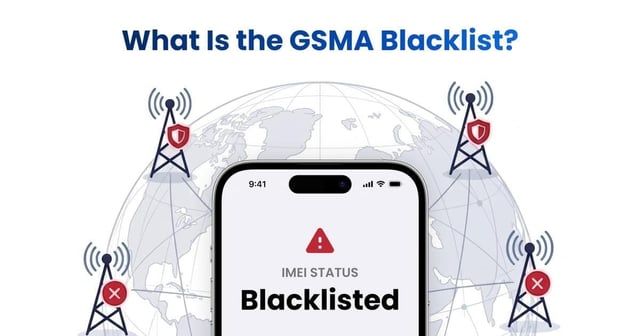
What Is the GSMA Blacklist? How Does the GSMA IMEI Check Work?
Learn what the GSMA blacklist and GSMA IMEI database are, why phones are blocked, how blacklist status spreads across carriers, and how to check an IMEI before buying.
Jun 22, 2026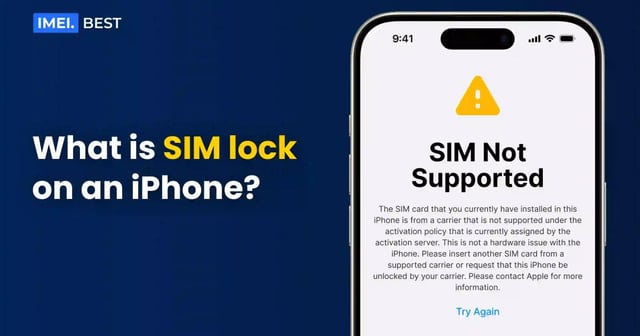
What is SIM lock on an iPhone?
iPhone SIM lock explained 🔐 Learn how it limits carrier use, how to check if your phone is locked & what steps to unlock it 📲
Dec 22, 2025
What does Live Location mean on Find My iPhone
Live on Find My iPhone shows a moving, real-time location 📡 See how it updates instantly and when it appears on your device or others 🧭
Jan 25, 2026