Trade-In and Resale — How to Use an IMEI Report for Evaluation
When selling a phone or trading it in, accuracy is everything. A basic IMEI report helps sellers create honest listings, avoid disputes, and prevent trade-in rejections. Here is how to use this data correctly:
Step 1. Write a precise description.Do not guess the model name from memory. Use the report to state the exact model and generation. If an automated trade-in system or a buyer spots a mismatch (for example, you listed a "Pro" version but the IMEI shows a base model), your evaluation will be paused and the deal canceled.
Step 2. Include the correct model variant. Different hardware versions of the same phone can have different resale values. By stating the exact variant code from the report, you help buyers understand which network bands the phone supports. For automated trade-in systems, this specific code often determines the base trade-in value.
Step 3. Use warranty data to support your pricing. If the report shows the device has active factory support, be sure to mention it. Warranty data can help explain price differences compared to similar listings. Just remember: this is only reference information; all repair claims are still evaluated separately by service centers.
Step 4. Don't worry about missing data. If some technical fields in your report say "Unknown," just be transparent with the buyer. Missing data in manufacturer databases is completely normal. It does not lower the phone's resale value or mean the report is "broken."
Step 5. Remember: A perfect report doesn't guarantee a successful trade-in. A common misconception is: "If the IMEI report is clean, I'll definitely get the maximum trade-in value." This is false. An IMEI report sets the baseline for evaluation, but it is not the final verdict. The final price always depends on independent criteria:
- Physical condition (cosmetic defects like scratches or cracks).
- Battery health.
- Included accessories and original packaging.
Always complement your IMEI data with high-quality photos and an honest description of any defects.
Step 6. Sign out of your accounts before handoff. Even if your phone has a flawless report and is in perfect condition, no trade-in program or sensible buyer will take it if it is activation-locked. Before handing over the device, always sign out of all cloud accounts (such as iCloud or Google) and perform a full factory reset.
Suggestion for you
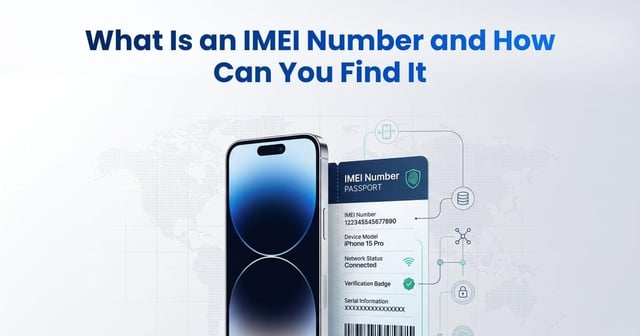
What Is an IMEI Number and How Can You Find It
Learn what an IMEI number is, how to find it with *#06# or device settings, what an IMEI check reveals, and how to verify a used phone before buying.
Jun 19, 2026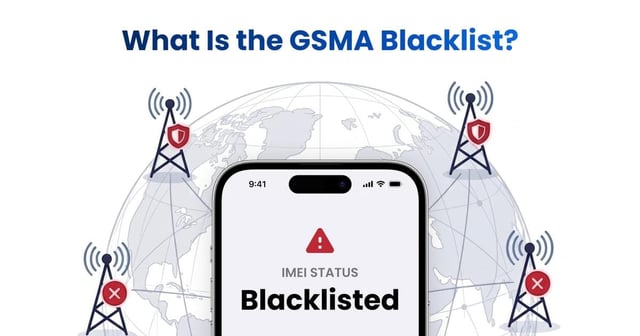
What Is the GSMA Blacklist? How Does the GSMA IMEI Check Work?
Learn what the GSMA blacklist and GSMA IMEI database are, why phones are blocked, how blacklist status spreads across carriers, and how to check an IMEI before buying.
Jun 22, 2026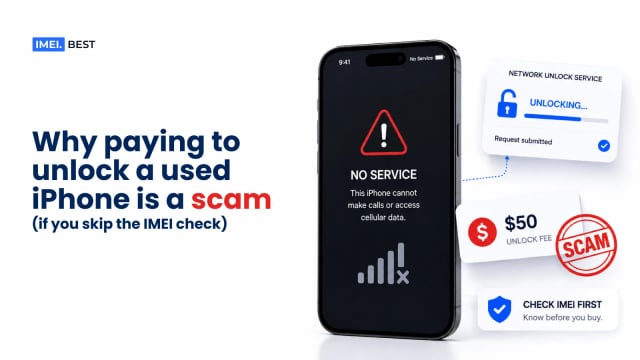
Why Paying to Unlock a Used iPhone Is a Scam If You Skip the IMEI Check
Can you unlock a blacklisted iPhone? Learn why carrier unlocks do not remove GSMA blacklists or iCloud Activation Lock from used iPhones.
Aug 21, 2026