Repair and Service — How to Use an IMEI Report Before Fixing Your Phone
A proper repair starts with accurate device identification. A basic IMEI report helps service centers and everyday users avoid mistakes when ordering parts and verify their support status. Here is what you need to know before heading to a repair shop:
Step 1. Find the exact model code (for ordering parts) Phones with the exact same name can have completely different internal components. Pay attention to the variant code (Variant / Model Number) in your report. This is critical: if a technician (or you) orders a part for a different hardware version, it simply won't fit.
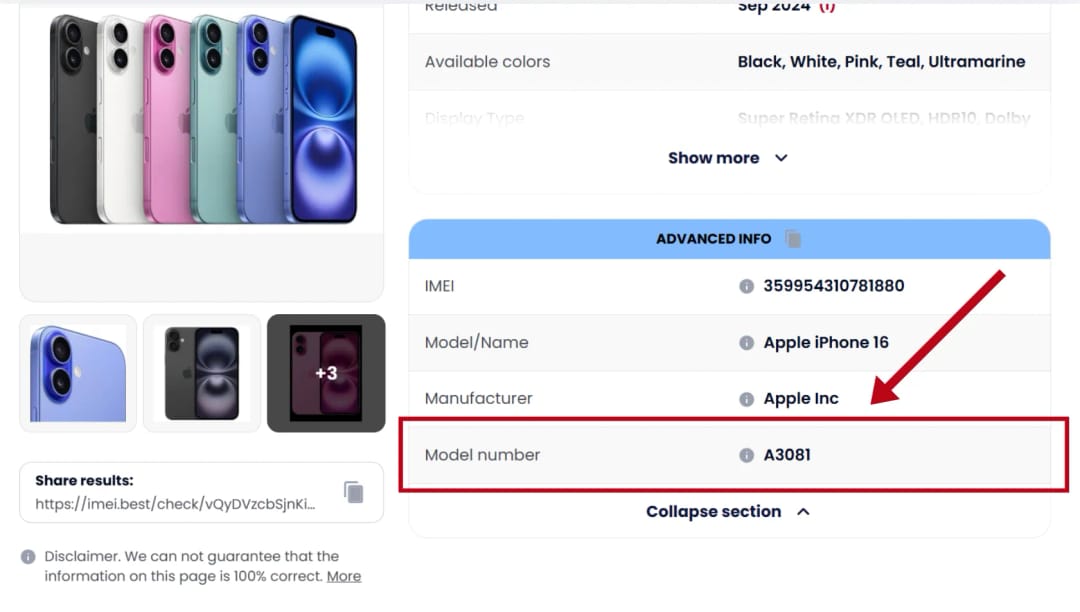
Step 2. Check the warranty status (but set realistic expectations) If the report shows an active official warranty, you might be eligible for free service. However, keep in mind that the report only provides reference data from a database. The service center will still perform a physical inspection. Standard warranties are voided if the phone has water damage or a shattered screen.
Step 3. Look at the additional device details For some devices, the report may display the hardware revision. This technical information is highly valuable to service engineers, as it helps them pull the correct factory instructions for that specific batch of phones.
Step 4. Missing data does not prevent repairs If some technical fields in your report say "Unknown," don't worry. The lack of public manufacturer data does not affect the phone's repairability. To get started, a technician only needs the confirmed model and serial number.
What the report will NOT tell you (Limitations) An IMEI report provides the device's original manufacturing data, not a diagnostic of its current state. It cannot determine:
- What exactly is broken (actual hardware faults).
- The cost and timeframe of the repair.
- Whether you will be approved for free service (this decision is always made by an engineer after opening the device).
Suggestion for you
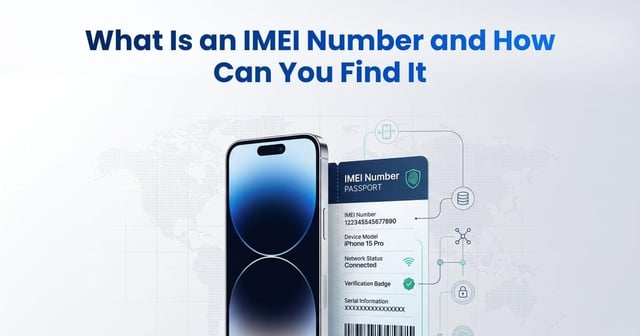
What Is an IMEI Number and How Can You Find It
Learn what an IMEI number is, how to find it with *#06# or device settings, what an IMEI check reveals, and how to verify a used phone before buying.
Jun 19, 2026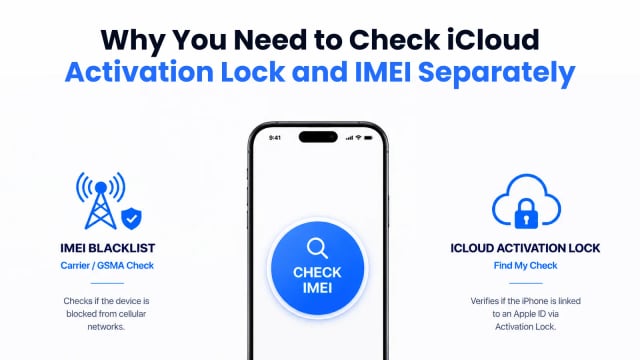
How to Check a Used iPhone Before Buying
Learn how to check a used iPhone before buying by verifying its IMEI blacklist status and iCloud Activation Lock to avoid carrier blocks and locked devices.
Aug 09, 2026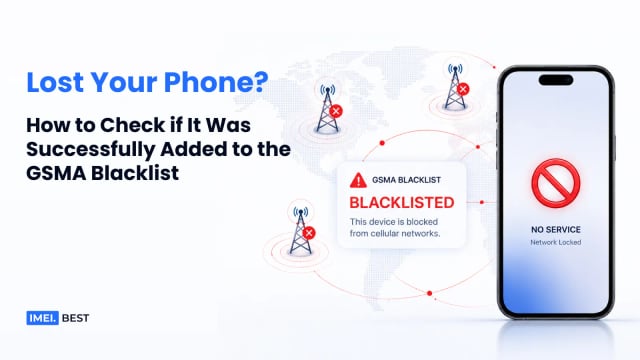
How to Check if a Phone Is Lost or Stolen: GSMA Blacklist Check
Learn how to check if a phone was reported lost or stolen using its IMEI and the GSMA blacklist before buying a used device.
Aug 14, 2026