- A factory reset does not change or erase the IMEI.
- Replacing the motherboard can change the IMEI because the identifier belongs to the baseband hardware.
- A null or missing IMEI may indicate corrupted system or baseband data.
- Always compare the software IMEI with the physical identifier and verify it before buying a used phone.
Can an IMEI Number Be Changed? What Happens After a Factory Reset or Motherboard Replacement
Key Takeaways
An IMEI number cannot be legally or permanently erased without destroying the device's hardware. While software errors or unauthorized modifications can temporarily mask the number, the original 15-digit identifier remains hardcoded into the motherboard.
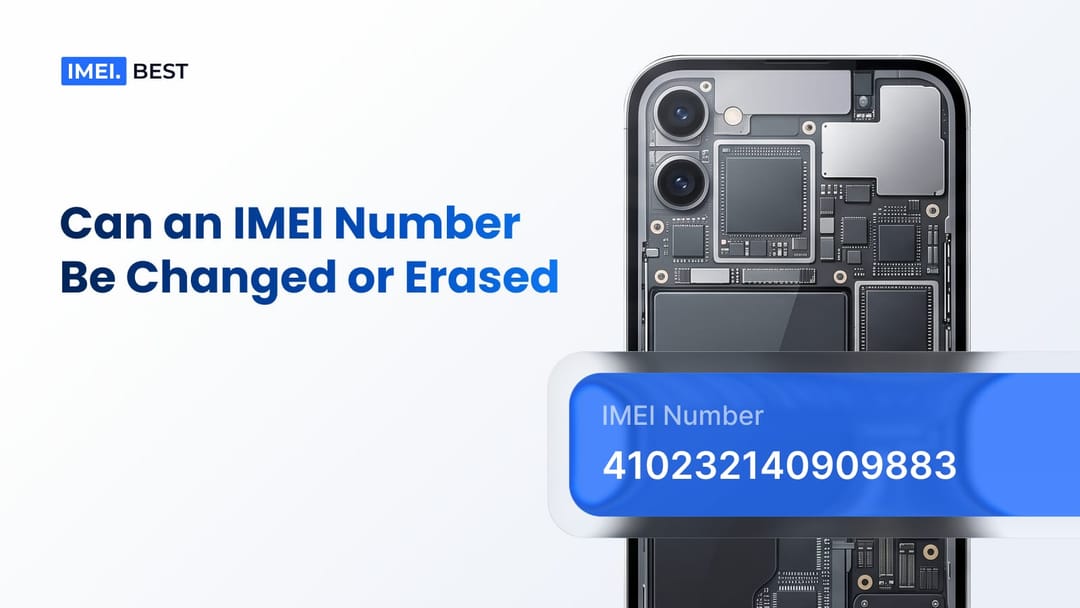
The idea that you can easily wipe a smartphone's identity is a persistent myth that causes massive financial damage in the secondary electronics market. Everyday buyers worry about inheriting a compromised phone, while large-scale refurbishing companies face severe operational risks when processing wholesale batches. Altering an International Mobile Equipment Identity is not a simple settings adjustment. The reality involves deep hardware integration, encrypted memory zones, and international tracking databases. Understanding the engineering behind this identifier is the only way to protect yourself from buying altered hardware. A quick surface-level check rarely reveals the true history of a smartphone, demanding a more technical approach to device verification.
The Digital Fingerprint Explained
The International Mobile Equipment Identity acts as a permanent hardware footprint assigned to the baseband processor of a mobile device. Mobile networks use this unique string to identify valid devices and block flagged phones from accessing cellular services.
Every cellular device carries this 15-digit string. The structure of the code reveals specific manufacturing data. The first eight digits comprise the Type Allocation Code (TAC), which identifies the exact model and the manufacturer. The next six digits serve as the unique serial number of the unit. The final digit is a check digit calculated using the Luhn algorithm to prevent transmission errors. Manufacturers burn this data into the baseband integrated circuit during assembly. When a phone powers on and attempts to connect to a cell tower, the network requests this fingerprint. The GSMA maintains a global registry of these numbers. When a reseller processes a batch of used iPhones or Samsung devices, querying this database provides the absolute truth about each unit's origin, model specification, and network status.
Why Verification is Crucial Before Buying
Unauthorized modifications are sometimes attempted to conceal a device's true network status. If a device has been flagged by a carrier, it becomes blocked on shared national and international databases.
To extract financial value from flagged hardware, unauthorized sellers resort to software manipulation. They attempt to sell the device on secondary markets or use it for fraudulent trade-ins. Refurbishing companies lose thousands of dollars annually when these altered units slip through initial intake inspections. A modified phone might look perfectly normal during a physical grading process, but it carries a hidden liability. Identifying these masked numbers requires rigorous electronic testing before a company can authorize any payout or accept a device into its inventory.
Suggestion for you
Is It Safe to Share Your IMEI Number When Selling a Phone on a Marketplace?
Is it safe to share your IMEI number with a buyer? Learn what someone can do with your IMEI, which risks are real, and how to share it safely when selling a phone.
Jun 27, 2026
What Is the GSMA Blacklist? How Does the GSMA IMEI Check Work?
Learn what the GSMA blacklist and GSMA IMEI database are, why phones are blocked, how blacklist status spreads across carriers, and how to check an IMEI before buying.
Jun 22, 2026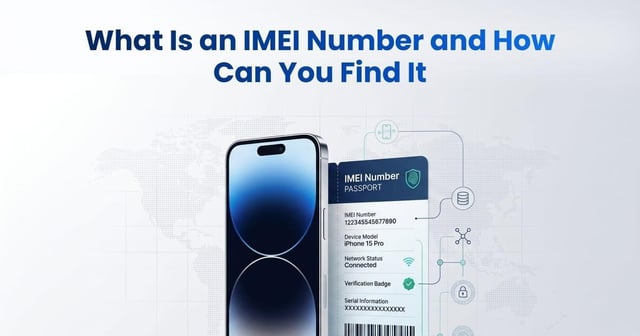
What Is an IMEI Number and How Can You Find It
Learn what an IMEI number is, how to find it with *#06# or device settings, what an IMEI check reveals, and how to verify a used phone before buying.
Jun 19, 2026