Buying a Used Phone — What to Check Before Purchase
Buying a used phone can be a great deal, but it requires careful attention. A basic IMEI report helps verify the seller's claims, but it must be used correctly. Here is your pre-purchase checklist:
Step 1. Verify the device is real (Key Identifiers)
The first thing the report does is confirm that the provided IMEI actually exists in the manufacturer's databases. This helps you immediately weed out listings with typos or fake numbers.
Tip: Never blindly trust report screenshots from a seller; always check the IMEI yourself.
Step 2. Verify the model and configuration (Expectation vs. Reality)
Phones with the exact same name can differ in hardware. Use the report to check:
- The exact model: Ensure you are getting the specific model and generation you are paying for (e.g., verifying it is actually a "Pro" version).
- Model variants and network bands: Pay attention to the variant code. Different hardware versions of the same phone support different cellular frequencies (Network Bands). Make sure this specific variant will work reliably with your carrier.
Step 3. Consider warranty data (but don't rely on it blindly)
If the report shows an active warranty, that's a nice bonus. However, keep in mind that database status does not guarantee the phone is in perfect physical condition (standard warranties do not cover cracked screens or water damage). If this is a dealbreaker for you, always ask the seller for the physical receipt.
Step 4. Always run a Blacklist check
A basic report only shows factory specifications. A phone that looks perfect could still be reported lost or stolen. Never buy a phone without checking it for theft. Use a dedicated Blacklist check to ensure the device is completely clean (shows a "Clean" status).
Step 5. Inspect the phone in person and reset it
An IMEI report will not show physical wear and tear, battery health, or cosmetic defects. When meeting in person:
- Inspect the screen, cameras, and charging ports.
- Ask the seller to sign out of all accounts (e.g., iCloud or Google Account) and perform a full factory reset right in front of you.
- Insert your own SIM card and set up the phone to ensure it connects to the network and isn't locked by the previous owner's profile.
Suggestion for you
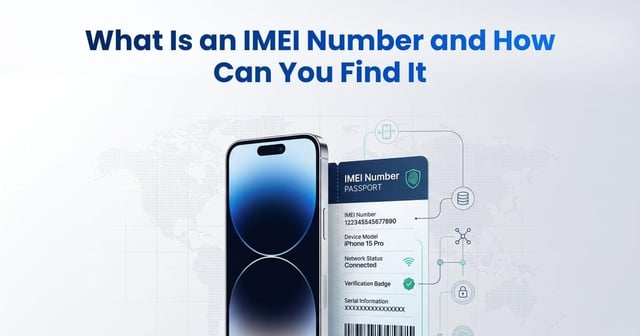
What Is an IMEI Number and How Can You Find It
Learn what an IMEI number is, how to find it with *#06# or device settings, what an IMEI check reveals, and how to verify a used phone before buying.
Jun 19, 2026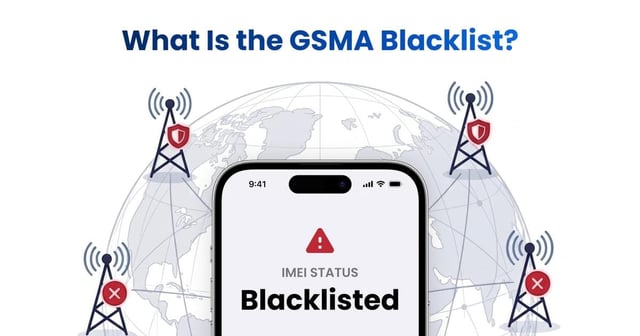
What Is the GSMA Blacklist? How Does the GSMA IMEI Check Work?
Learn what the GSMA blacklist and GSMA IMEI database are, why phones are blocked, how blacklist status spreads across carriers, and how to check an IMEI before buying.
Jun 22, 2026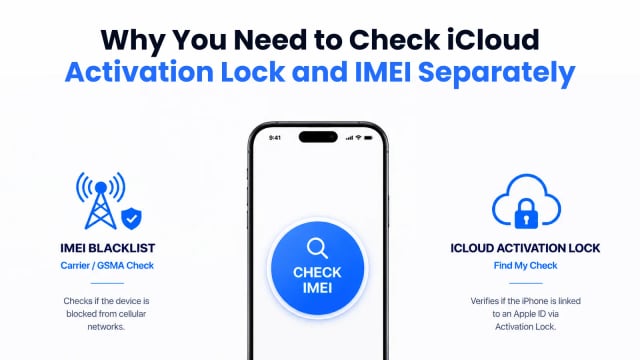
How to Check a Used iPhone Before Buying
Learn how to check a used iPhone before buying by verifying its IMEI blacklist status and iCloud Activation Lock to avoid carrier blocks and locked devices.
Aug 09, 2026