Does Buying a Used iPhone Void the Warranty? How to Check AppleCare Coverage by IMEI

Aug 10, 20265 min read

Buying a used iPhone doesn't void its warranty. Apple ties coverage to the hardware—specifically the serial number and IMEI—not the person who bought it. The standard one-year limited warranty and any fully paid AppleCare+ plans automatically transfer to the new owner.
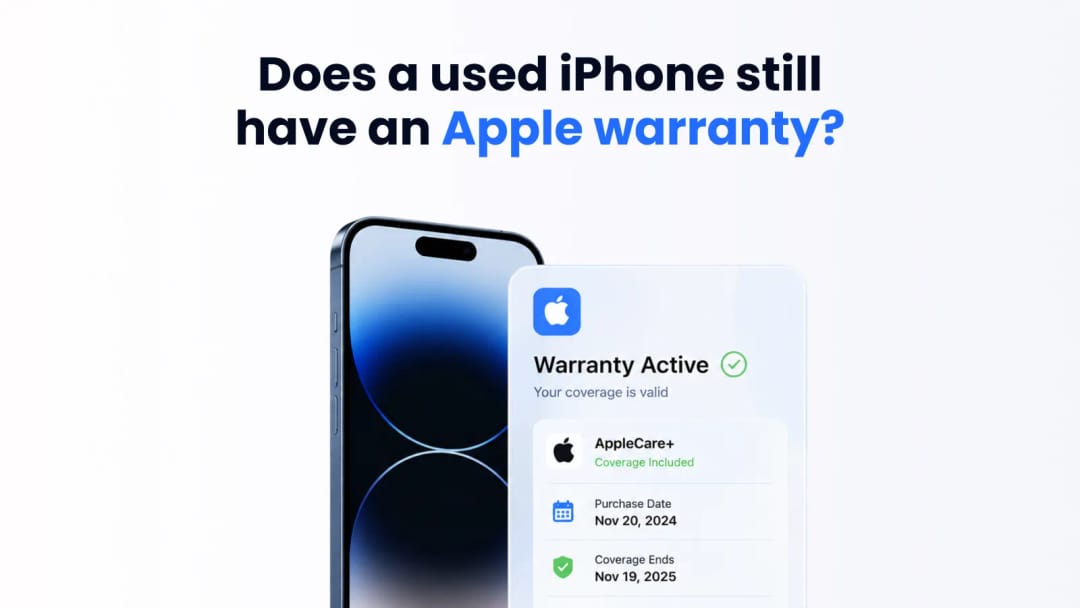
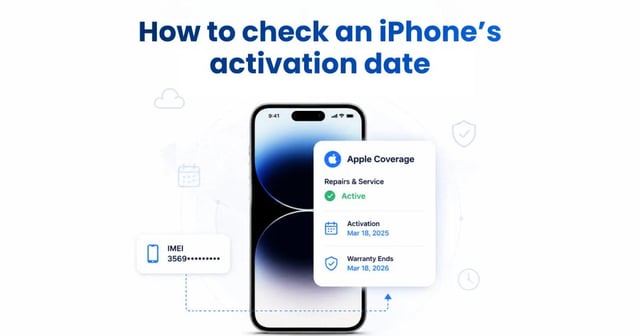
Used iPhone showing an active AppleCare warranty status.
How to verify active AppleCare coverage on a used iPhone.


Secondhand buyers often assume warranty protection vanishes when cash changes hands. It doesn't. You inherit whatever coverage remains on that specific unit. The only way an Apple warranty completely dies is through severe, unauthorized modifications. If a previous owner installed a third-party logic board, used uncertified screen replacements, or triggered catastrophic liquid damage indicators, Apple won't touch it. Otherwise, a clean, unmodified device retains its factory warranty until the expiration date.

When does the Apple warranty actually start?

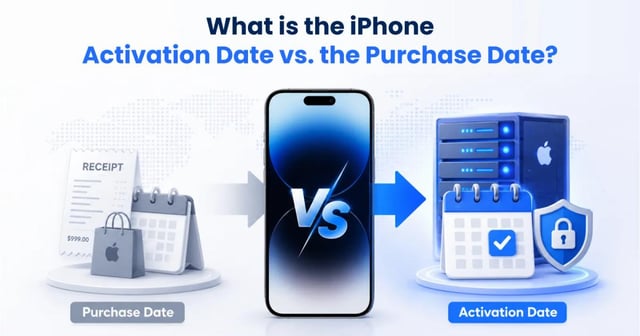
An Apple warranty starts the moment the original owner pays at the register—not the day the phone is unboxed, and not the day it connects to Wi-Fi.

Retailers log the transaction with Apple's servers at the point of sale. If a phone sits in a drawer for six months before activation, half of the standard one-year warranty is already gone. Keep this timeline in mind when evaluating devices advertised as "brand new and sealed." You need the original retail transaction date to know your actual coverage window. Don't rely on a seller's memory.

How to check IMEI activation date and warranty status

To verify warranty status, grab the device's IMEI and run it through Apple's Check Coverage tool. This reveals the original purchase date, telephone support eligibility, and remaining hardware repair coverage.

Go to Settings > General > About to find the 15-digit IMEI.On supported models, you can also check the physical SIM tray, where the IMEI or Serial Number may be etched into the metal. Match the tray to the software readout to ensure the physical hardware hasn't been spoofed. Punch that string into Apple's portal, and the system queries the central database. This is the only reliable way to verify the purchase date and warranty status. If a seller refuses to provide the IMEI before a meetup, walk away.

The reality of AppleCare coverage transfers

Hardware protection tiers behave differently on the secondhand market. The baseline limited warranty requires no transfer paperwork. It just exists. Standard prepaid AppleCare+ works the same way—if the original owner paid upfront, the coverage follows the phone.

Monthly subscriptions are a different story. These plans are tethered to the original owner's Apple ID and credit card. If the seller cancels their monthly payment after handing you the phone, the coverage instantly drops. Always ask how the seller financed their AppleCare+ plan.
Coverage Tier

Transfer Mechanism

Scope of Protection

Monthly Subscription Risk

Limited Warranty

Automatic

Manufacturing defects

None

AppleCare+ (Prepaid)

Automatic

Defects and accidental damage

None

AppleCare+ (Monthly)

Non-transferable

Defects and accidental damage

Extremely High

Theft and Loss

Conditional / Manual Transfer

Hardware, theft, and loss

High

Under the hood of Apple's activation servers

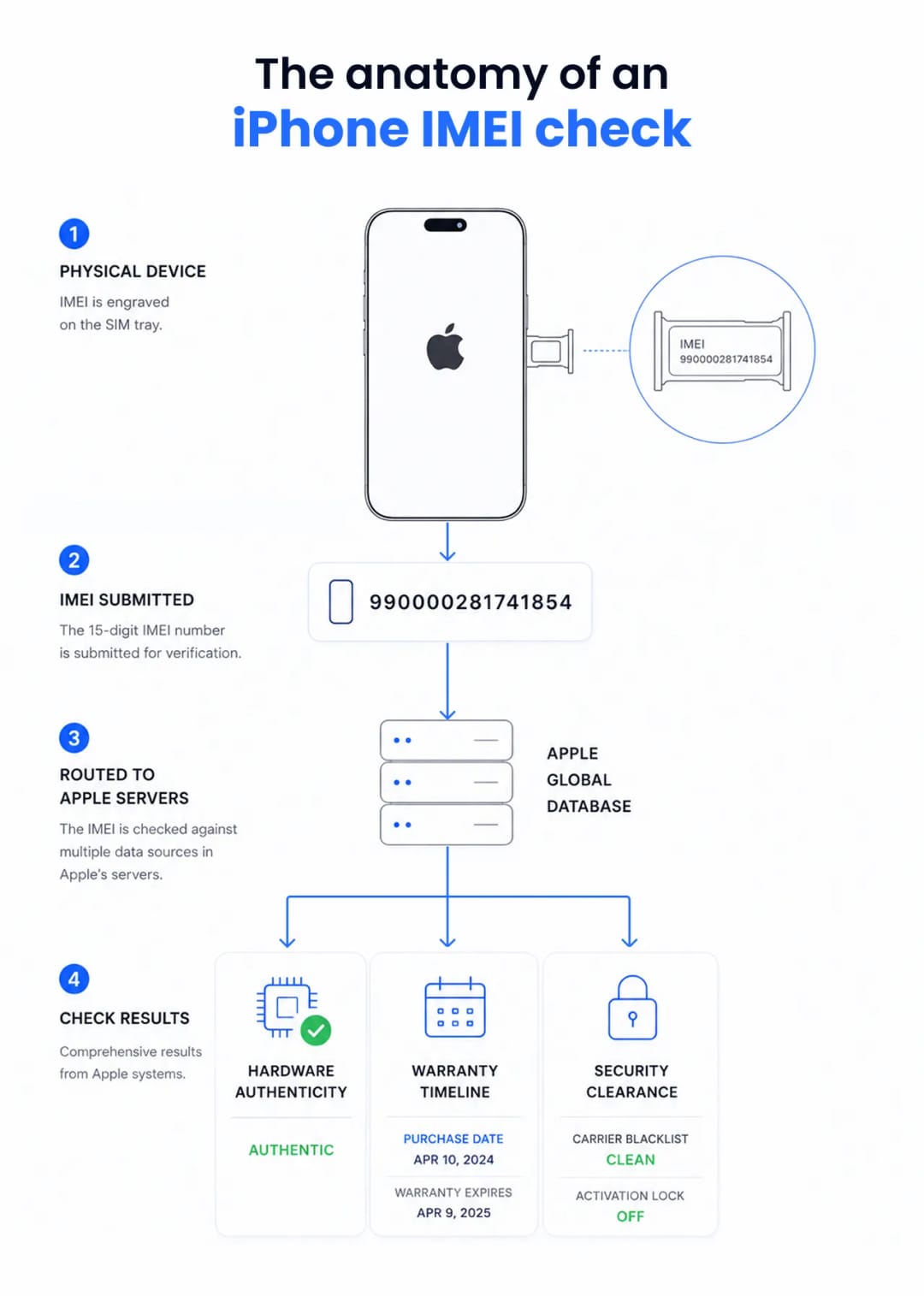
Apple's activation servers constantly verify hardware integrity, warranty status, and legal ownership. When you run an IMEI check, you are querying Apple's consumer coverage database, which reflects records from their internal service systems.

Flowchart showing the iPhone IMEI check process and Apple server results.
The step-by-step anatomy of an iPhone IMEI security and warranty check.


The system checks several flags simultaneously. It scans for Mobile Device Management (MDM) profiles to see if a corporation or school actually owns the hardware. It cross-references the IMEI against international carrier blacklists, which update in real-time as devices are reported stolen. It also pings the Find My network to check the Activation Lock status, confirming whether the logic board is bound to a specific iCloud account. Finally, the servers log the initial cellular network connection. This log serves as the baseline for activation date queries when physical receipts go missing.

Preventing stolen device purchases with an IMEI check

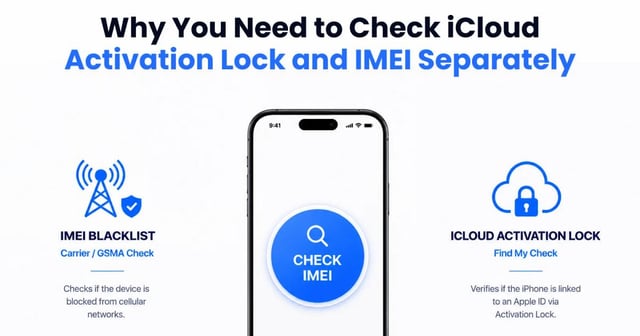
A pre-purchase IMEI check exposes hidden iCloud Activation Locks and carrier blacklists. Thieves routinely try to offload stolen electronics on local marketplaces before carriers have time to blacklist the hardware.

Running the IMEI through independent registry tools alongside Apple's coverage site gives you the phone's actual history. A device might show an active warranty, but if a carrier database flags it as stolen, it will never connect to a cellular tower. You just bought a glass-and-metal paperweight.

At IMEI Best, our developers see this scam constantly: buyers check the IMEI but ignore the software lock. Always insist the seller wipes the device and removes their Apple ID in front of you. A clean IMEI check is useless if the Activation Lock triggers during your initial setup.

Secondary markets are full of devices with manipulated software showing fake capacities or spoofed serial numbers. Matching the hard-coded IMEI on the SIM tray to the software readout cuts through the deception. It forces the hardware to verify its identity directly with Apple. Take three minutes to run this check. It's the only way to ensure your pre-owned device is legitimate, functional, and supported.


100% Secure & Private

No login required | No unlocking | No device modification

Suggestion for you